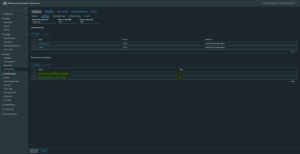
We recently installed some new Operations cloud proxies through VRSLCM and these got automatically added to the password inventory of VCF in SDDC Manager, for some reason the passwords showed disconnected and we could not update or remediate the passwords to fix this issue. A closer look into the error showed something about making an ssh session :
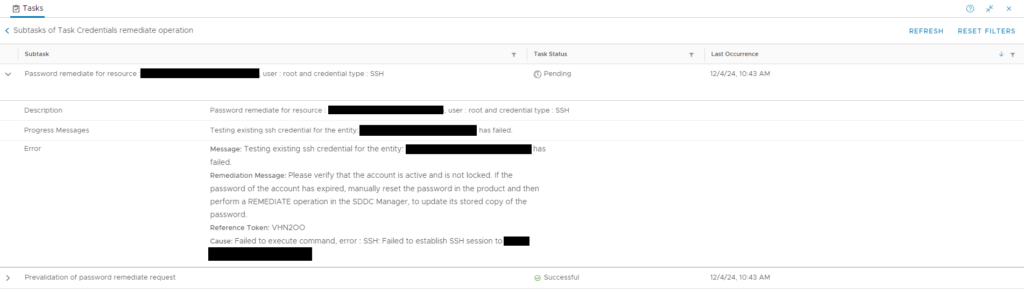
When you look into the log file of operationsmanager with this command on the sddc manager (login with vcf and su to root first) :
less /var/log/vmware/vcf/operationsmanager/operationsmanager.log | grep cloudproxynameyou will see in there that it is rejecting the hostkey:
com.jcraft.jsch.JSchException: reject HostKey:
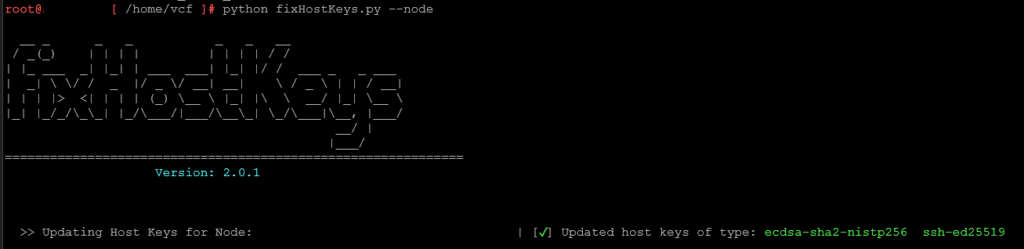
to fix this vmware has published a KB article with a tool to fix the hostkeys on sddc manager
How to update the SSH host keys on the SDDC Manager
i used the tool with the specific node name and after that i was able to remediate the password.
The original article was posted on: www.hollebollevsan.nl